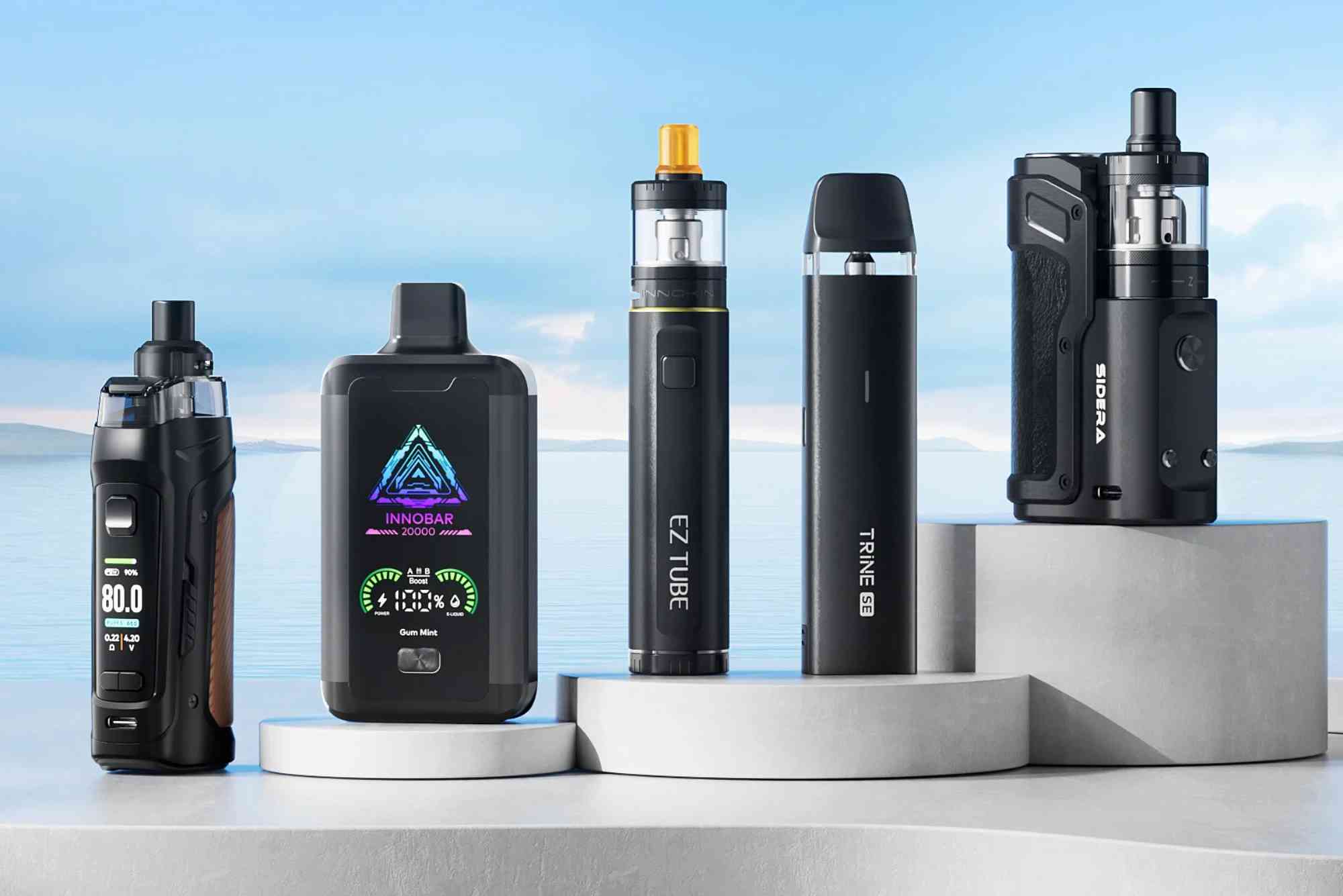
How to Charge Your Vape Device Correctly
Charging a vape device may seem simple, but doing it the right way is essential for safety, battery health, and device longevity. Whether you’re using a pod system, a box mod, or a disposable with recharge capability, understanding the best practices for charging vape devices helps you avoid common mistakes that can reduce performance or pose safety risks.
The process of charging a vape device involves more than just plugging it in. From using the correct charger to monitoring charging times, each step plays a crucial role in ensuring a smooth vaping experience. In this guide, we’ll walk you through everything you need to know about charging vape devices correctly—backed by expert insight and safety recommendations.
Why Charging Your Vape Device Properly Matters
Proper charging helps extend the lifespan of your vape battery. When done wrong, it can cause overheating, battery swelling, or even permanent damage to your device. For heavy vapers, battery health becomes even more important as performance and power output depend on a well-maintained charge cycle.
Moreover, incorrect charging could void your device warranty or increase the risk of malfunction. With lithium-ion batteries commonly used in vape devices, it’s critical to treat charging with the same care as you would with smartphones or laptops.
Understanding Vape Battery Types
Vape devices come with different types of batteries—built-in or removable. Each type requires a slightly different approach when it comes to charging.
Built-in Batteries
Devices like pod vapes or pen-style mods usually have internal batteries. These are charged using a USB cable—often Type-C or micro-USB. Since these batteries can’t be removed, safe USB charging is essential.

Removable Batteries
Advanced box mods may use 18650, 20700, or 21700 batteries. These can be charged externally using a dedicated battery charger. While many mods offer onboard USB charging, external charging is generally safer and more efficient.
Best Practices for Charging Vape Devices
To make sure your battery stays healthy and your device works reliably, follow these proven best practices for charging vape devices.
Use the Manufacturer-Approved Charger
Not all USB cables and wall adapters are created equal. Always use the charging cable provided by the manufacturer. If you lose it, buy a high-quality replacement with matching voltage and current ratings. Using incompatible chargers can overheat the battery or damage the chipset.
Avoid Charging Through Computers or Power Banks
While it’s convenient, charging a vape through a laptop USB port or power bank often delivers unstable current. This can harm the battery in the long term. It’s best to charge using a wall socket with a suitable power adapter to ensure a steady current.
Charge on a Non-Flammable Surface
Always charge your vape device on a clean, flat, and fire-resistant surface like a wooden desk or ceramic plate. Avoid placing it on a bed, sofa, or under a pillow where heat could build up and pose a fire risk.
Don’t Leave It Charging Overnight
One of the most common and dangerous mistakes is leaving your device plugged in overnight. Overcharging can lead to battery swelling and, in worst cases, explosion. Most modern vapes come with overcharge protection, but it’s best not to rely on it. Unplug the device once it reaches 100%.
Monitor Charging Time
Know how long your vape takes to charge fully. Most devices take between 45 minutes to 2 hours. If it takes significantly longer, the battery or charging cable may be faulty. Also, if the device heats up too much during charging, disconnect it immediately.
Keep the Charging Port Clean
Dust, e-liquid residue, or lint can interfere with charging. Gently clean the charging port using a dry brush or compressed air to maintain proper connectivity. Never insert metal objects or use wet cloths.
Don’t Use the Device While Charging
Using your vape while it’s plugged in may seem harmless, especially if it supports pass-through charging. But doing so can cause the device to overheat and reduce battery efficiency over time. For best results, wait until it’s fully charged.
Store the Battery Correctly When Not in Use
If you plan to store your vape for a long period, charge the battery up to around 50–60% first. Storing it fully charged or fully drained can degrade the battery over time. Keep it in a cool, dry place away from direct sunlight.
Charging Disposable Vapes with Recharge Option
Many modern disposables now come with rechargeable features, usually via USB-C. These devices don’t have user-replaceable batteries, so proper charging becomes even more important.
- Only recharge when the vapor production slows down or the indicator light flashes.
- Don’t recharge more than necessary. Disposables are not designed for extended use.
- Once the e-liquid runs out, do not attempt to recharge—discard the device safely.
Signs of Battery Damage or Improper Charging
Recognizing the warning signs of a damaged vape battery can prevent accidents. Here’s what to watch for:
- Device heats up quickly during charging
- Swollen or bulging battery (especially in mods with removable batteries)
- Charging light does not turn off after a long time
- Unusual smells, hissing, or smoke
If you notice any of these, stop using the device immediately and contact customer support or visit a vape shop for inspection.
How to Extend the Battery Life of Your Vape Device
Apart from correct charging practices, adopting certain habits can help extend the overall battery lifespan.
- Avoid draining the battery to 0% regularly. Charge at 20–30% instead.
- Keep firmware updated (if applicable) to ensure proper battery management.
- Turn off your vape when not in use.
- Don’t expose the battery to extreme heat or cold.
Proper care not only improves battery health but also enhances your overall vaping experience—delivering consistent clouds and flavor.
Common Myths About Charging Vape Devices
Several misconceptions float around about how to charge a vape correctly. Let’s clarify a few:
- Myth: Charging with your phone charger is safe for all vapes.
Truth: Not all phone chargers match your vape’s voltage and current needs. - Myth: You should fully drain the battery before recharging.
Truth: Lithium-ion batteries perform better with partial charging cycles. - Myth: Leaving the vape plugged in keeps it “topped up.”
Truth: Overcharging stresses the battery and shortens its life.
Understanding these myths helps you make better decisions when maintaining your device.
Charge Smart, Vape Safely
Correctly charging your vape device is essential for battery health, personal safety, and long-term performance. By using the right charger, avoiding overnight charging, and recognizing danger signs early, you not only protect your investment but also enjoy a smoother and safer vaping experience.
Whether you’re new to vaping or an experienced user, taking a few extra steps in how you charge your vape can make a noticeable difference in how well your device performs. Stay informed, vape responsibly, and make battery safety a top priority. Ready to level up your vape care? Explore our expert vape maintenance guides and product recommendations today!
FAQs
Can I use my phone charger to charge my vape?
Only if it matches the voltage and current requirements of your vape. Some phone chargers deliver too much power, which can damage the battery.
How long should I charge my vape?
Most devices take 1 to 2 hours. Avoid leaving it on the charger for extended periods, especially overnight.
Is it safe to use the vape while it’s charging?
It’s not recommended. Even if your device allows pass-through charging, it can cause excess heat and reduce battery efficiency.
What should I do if my vape gets hot while charging?
Unplug it immediately. Excessive heat could indicate a faulty battery or charger. Let it cool and consult the manufacturer or a vape expert.
How do I know if my vape is fully charged?
Most devices have an indicator light that changes color or turns off once fully charged. Refer to your user manual for specific details.